Friday
10 October

Share A Countdown
Objective
Sharing an Instagram Story with a countdown helps provide a sense of urgency for your clients and serves as a reminder to book in for their Halloween appointment. If you're running a promotion, this is also a great opportunity to remind customers of the offer.
Choose background
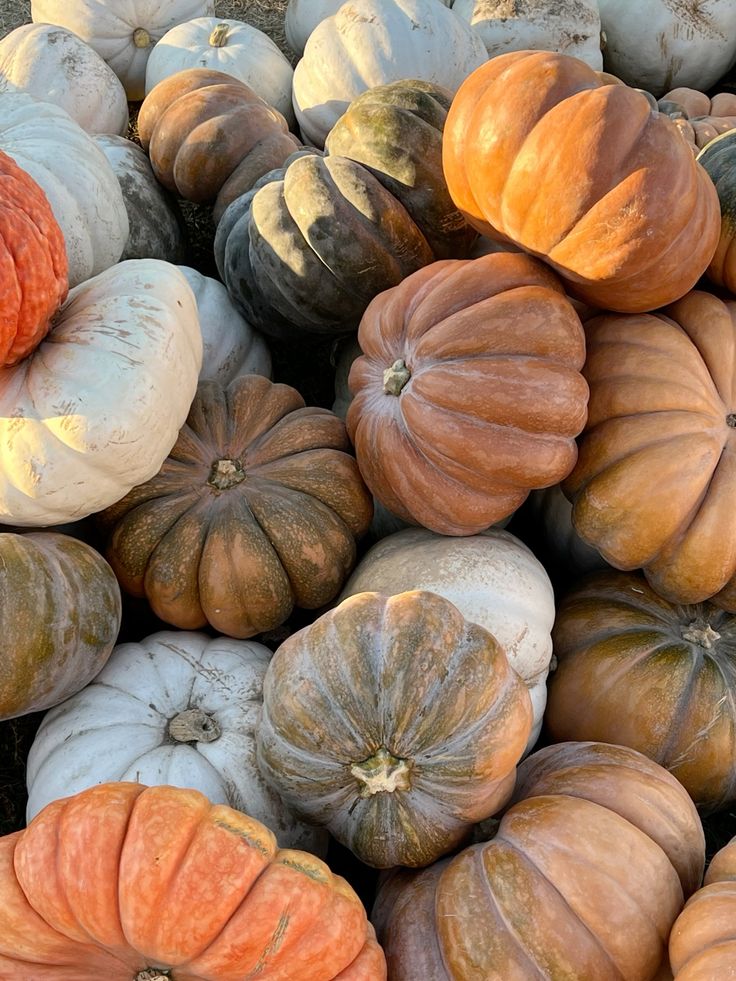
Choose Halloween-inspired treatment imagery or use one of the images from our library as the background
Add your background to a new Instagram story
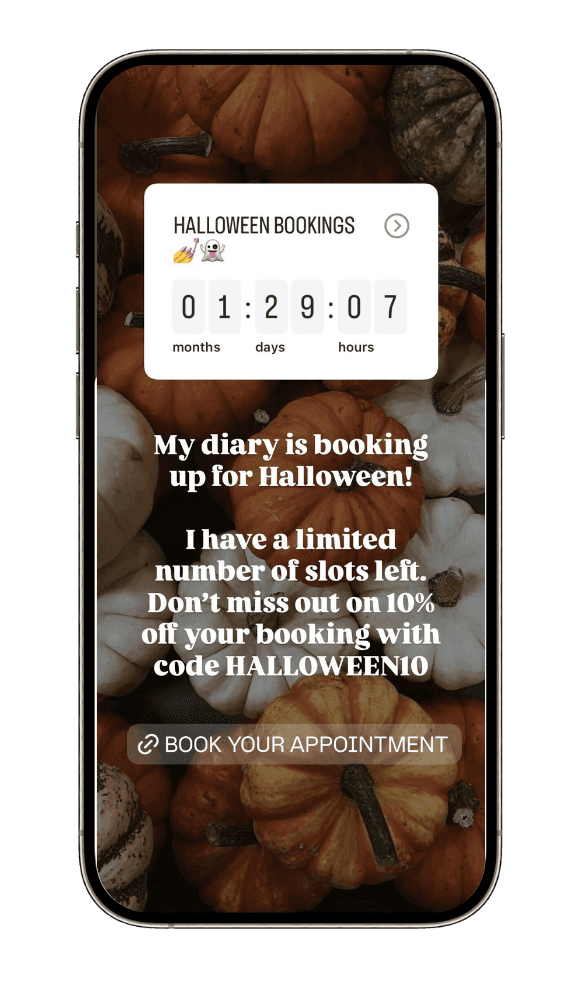
Add your countdown
Click the sticker icon at the top
Select 'countdown'
Add a countdown name e.g Halloween Bookings
Set end date & time for 31st October
Add your text
Overlay copy with a prompt to book in for their treatment with their exclusive 10% off code
Example:
My diary is booking up for Halloween fast!
I have a limited number of slots left. Don't miss out on 10% off your booking with code HALLOWEEN10.
Add booking link
Click the sticker icon at the top
Select 'link'
Input your Solo URL e.g https://booksolo.co/gelnailgang
Input your text e.g Book Now
Add Hashtags
Examples:
#HalloweenNails
#SpookySeason
#HalloweenInspo
Add Halloween-themed GIFs (bats, pumpkins, cobwebs).
Location sticker (so local clients can find them).