Wednesday
26 November

Objective
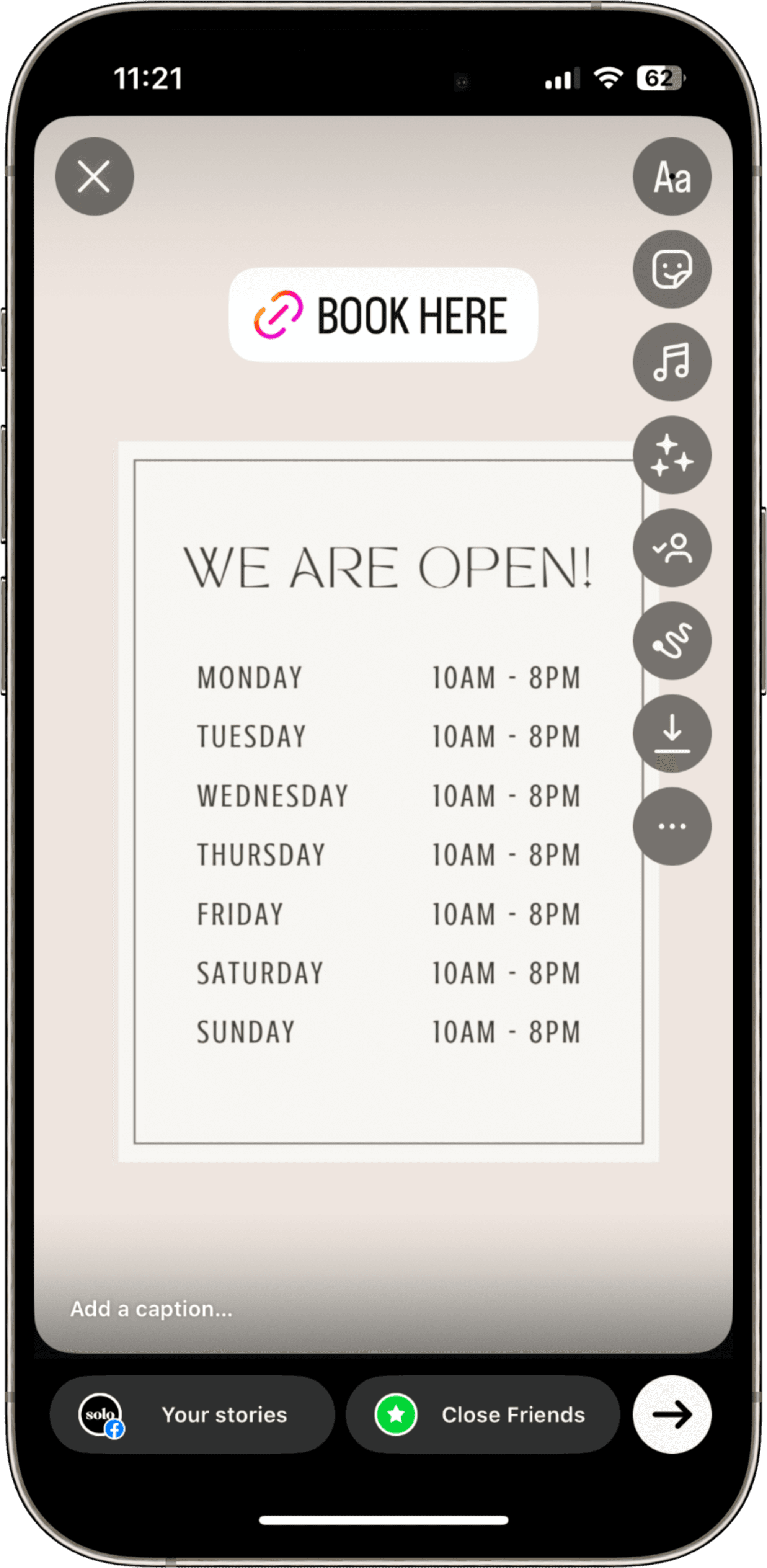
Encourage clients to book their Christmas appointments now by showing clear opening times, limited slots, and an easy tap-to-book link.
Share Your Holiday Booking Hours on Instagram Stories ✨
Open Instagram
Press the + sign on your Story icon
Add your background
Use your own image or use our Canva templates!
Choose something warm and Christmassy, like fairy lights, decorated workspace, or cozy tones.
If you’re writing your own copy, make sure to add a sense of urgency to encourage followers to book now.
Example lines:
🎄 “My Christmas diary is open! Limited appointments left — tap to book 🎁”
💅 “Holiday hours are live ✨ Don’t miss your Christmas glow-up — book today!”
🕯️ “Spots are filling fast for December — secure your appointment now!”
This helps create FOMO and gets clients booking sooner rather than later.
🔗 CLICK HERE FOR CANVA TEMPLATES!
Add your website link
Click the sticker icon
Select Link
Input your Solo booking URL
Add text: “Book your Christmas appointment”
Post!
You’re all set! Your followers will see your updated hours and be encouraged to book their Christmas appointments through your Solo profile before your diary fills up!