Monday
27 October

Post an IG Story Sharing a Promo Code
Objective
Increase awareness and bookings by giving followers a limited-time reason to book with a seasonal promo code.
Create an Instagram Story
Open Instagram
Press the + sign on your Story icon
Add your background
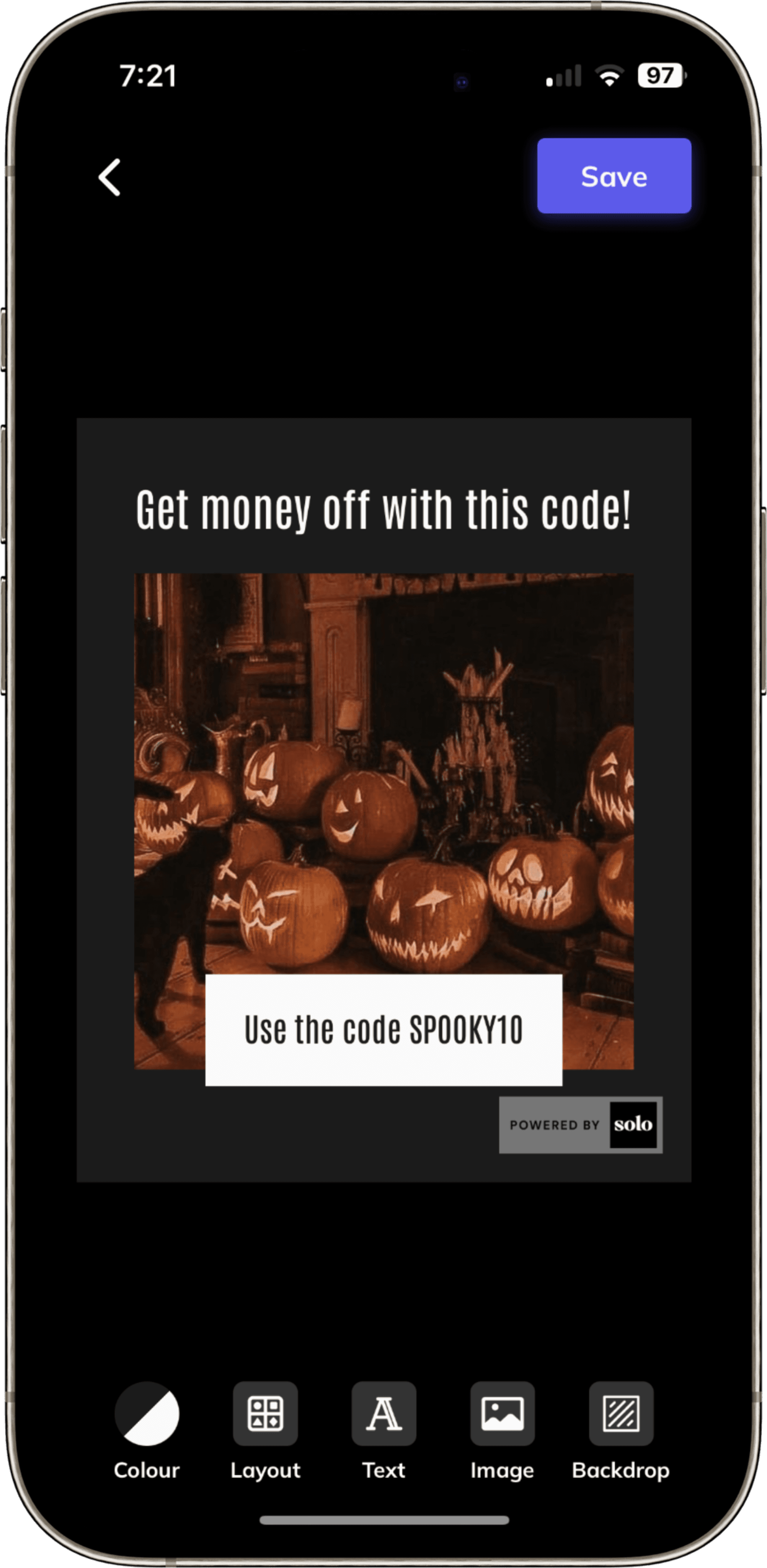
Use your own image or upload an image from the social post creator!
Settings > Marketing Tools > Social Post Creator > Promotion
If you’re writing your own copy, make sure to add a sense of urgency to encourage followers to book now.
Example lines:
“Spooky season glow-up 👻 Only a few slots left this week!”
“No tricks, just treats 🍬 Limited spaces remaining — book today!”
This helps create FOMO and gets clients booking sooner rather than later.
🔗 CLICK HERE FOR PRE-MADE TEMPLATES
Add your website link
Click the sticker icon
Select Link
Input your Solo booking URL
Add text: “Book your appointment”
Post!
You’re all set — your followers will see your seasonal Story and be encouraged to book through your Solo profile before your diary fills up!