Friday
3 October

Reply to Reviews
Objective
Google rewards businesses that are active and engaged. Regular updates, photos, and replies to reviews signal to Google that your business is current and relevant, which can help you move up in local search results.
Head to your Google My Business Profile
Navigate to your GMB profile on Google
Access the profile management dashboard
Click on reviews
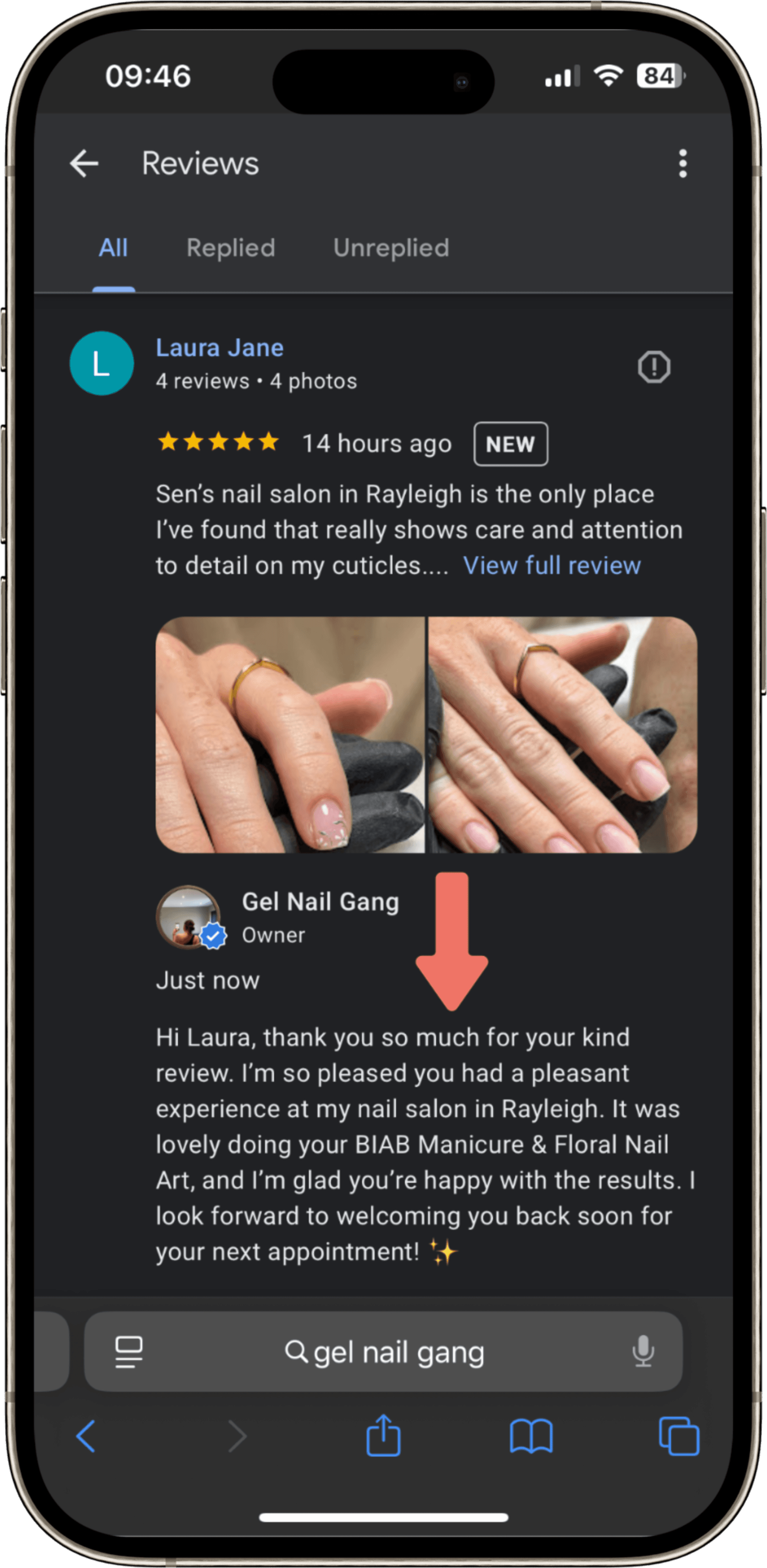
Reply to 3 x recent reviews
Include relevant keywords in your response, like your treatments, location, or business name.
👉 Example: “Thanks so much, Sarah! We’re so glad you loved your gel manicure here at Glow Beauty in Manchester.Mention services/products e.g if a client leaves a general “Loved my visit!” you can reply with more detail.
👉 Example: “It was a pleasure doing your lash lift — it’s one of our most popular treatments at this time of year!”Add location references (where relevant)
👉 Example: “We’re so happy you found us while searching for facials in Brighton — can’t wait to see you again!”