
Wednesday
1 October

Objective
Today's task is to create an Instagram Story that serves as a reminder to your clients to book in for their October appointments. By using urgent language, we'll give the impression that they need to book in ASAP in order to not miss out on an appointment.
Create an Instagram story
Open Instagram
Press the + sign on your story icon
Add your background
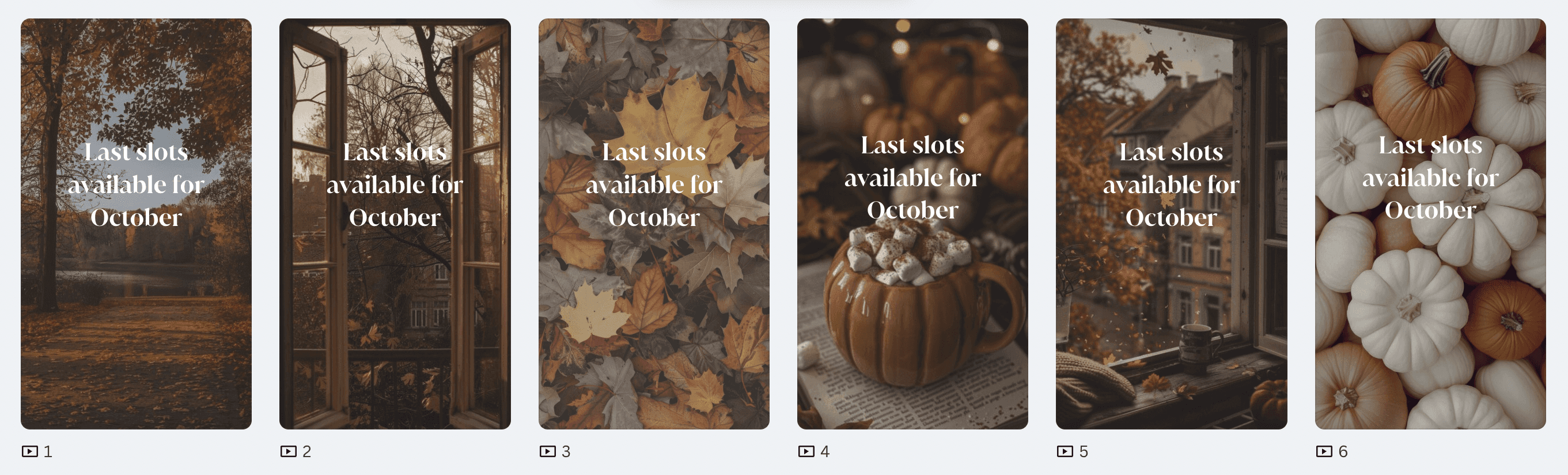
Use one of our pre-made templates or use an image/video of your work. Opt for something nice and autumnal to help welcome in the season.
If you're writing your own copy, make sure to add a sense of urgency to give the impression you're almost fully booked. This will encourage clients to book in sooner rather than later out of fear of missing out!
🔗 CLICK HERE FOR PRE-MADE TEMPLATES
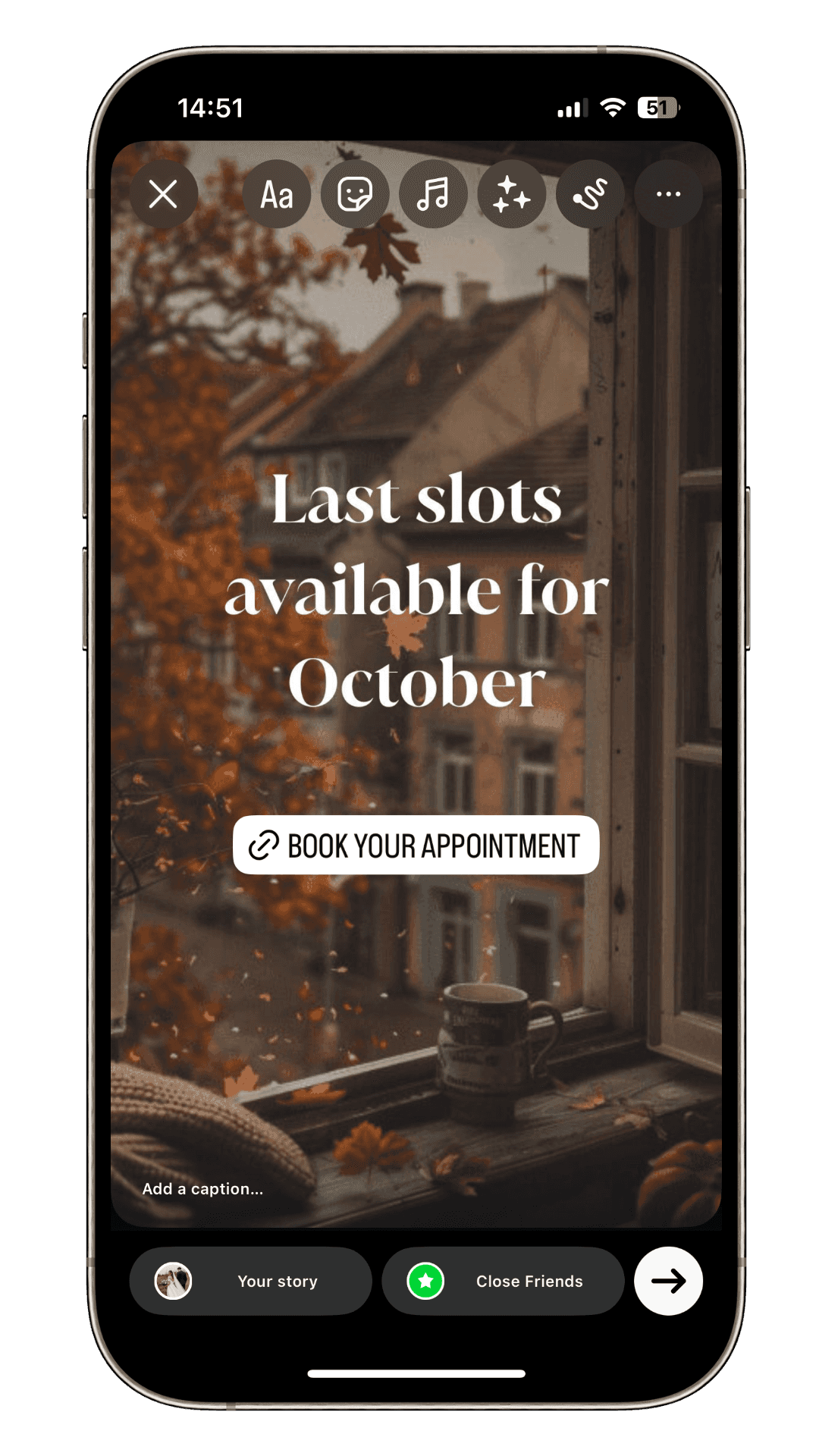
Add your website link
Click the sticker icon
Select link
Input your website URL
Add text 'book your appointment'
Post!


