Thursday
16 October

Make a Post About Your New Website
Objective
Update your Google Business Profile to announce your new website and help clients discover it when they search for your business. This also signals to Google that your profile is active which will improve your visibility in local searches.
Head to your Google My Business Profile
Navigate to your GMB profile on Google
Access the profile management dashboard
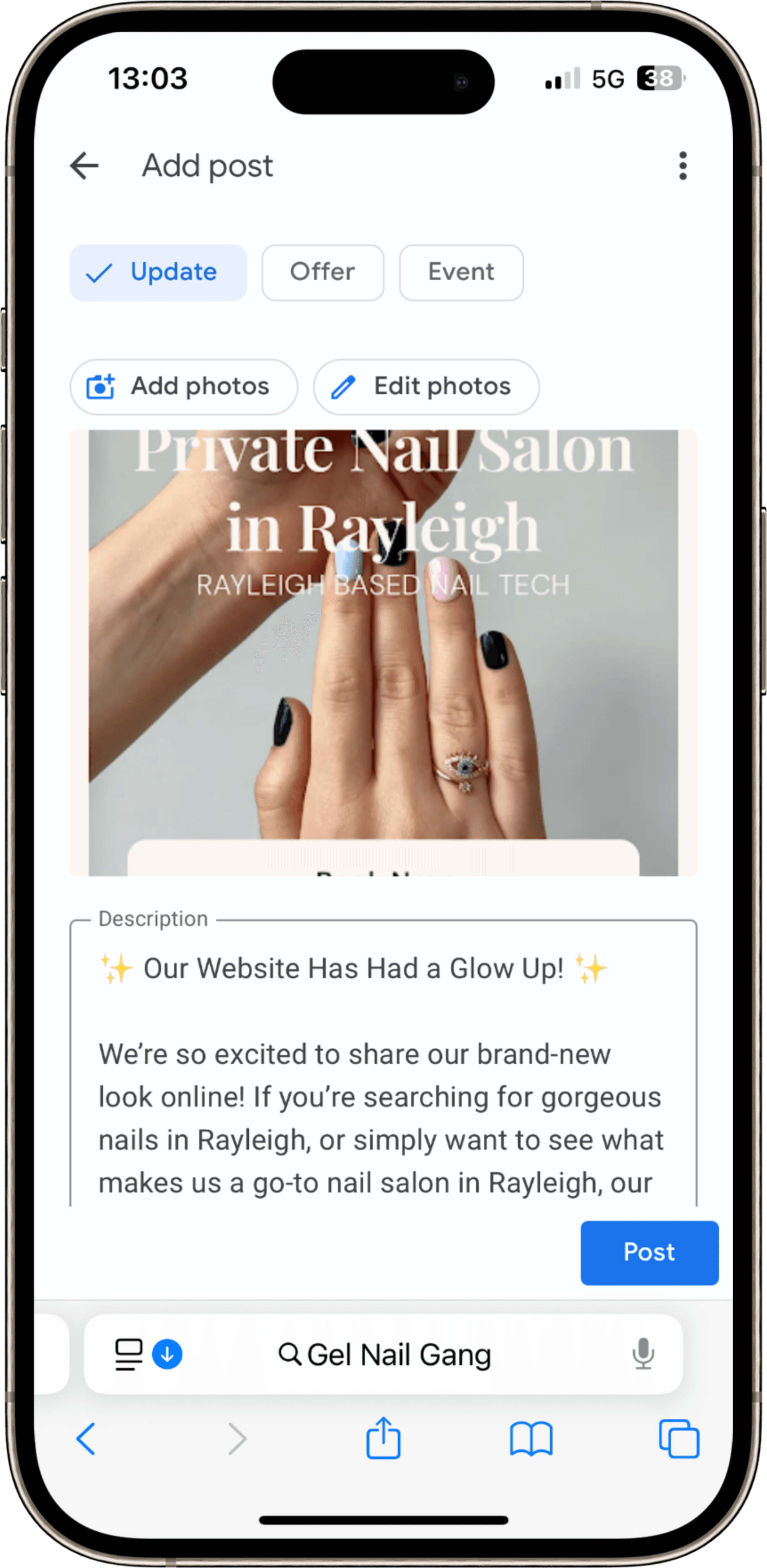
Click “Add Update” or “Add Post.”
Choose the “What’s New” option.
Add a clear image, ideally a screenshot or phone mockup of your new website homepage.
Write your update using the example below 👇
Write a post about your new website
Exciting news! My brand new website is now live! It's now easier than ever to explore my treatments, check prices, and book your next appointment online. Visit my new website here: [insert website link] I can’t wait for you to see it!